
Now on the App Store
Capture.
Edit.
Post.
Record & edit clips, arrange them into a movie, and export — all in seconds.
Record & edit clips, arrange them into a movie, and export — all in seconds.
Built for creators who want to move fast without sacrificing quality.
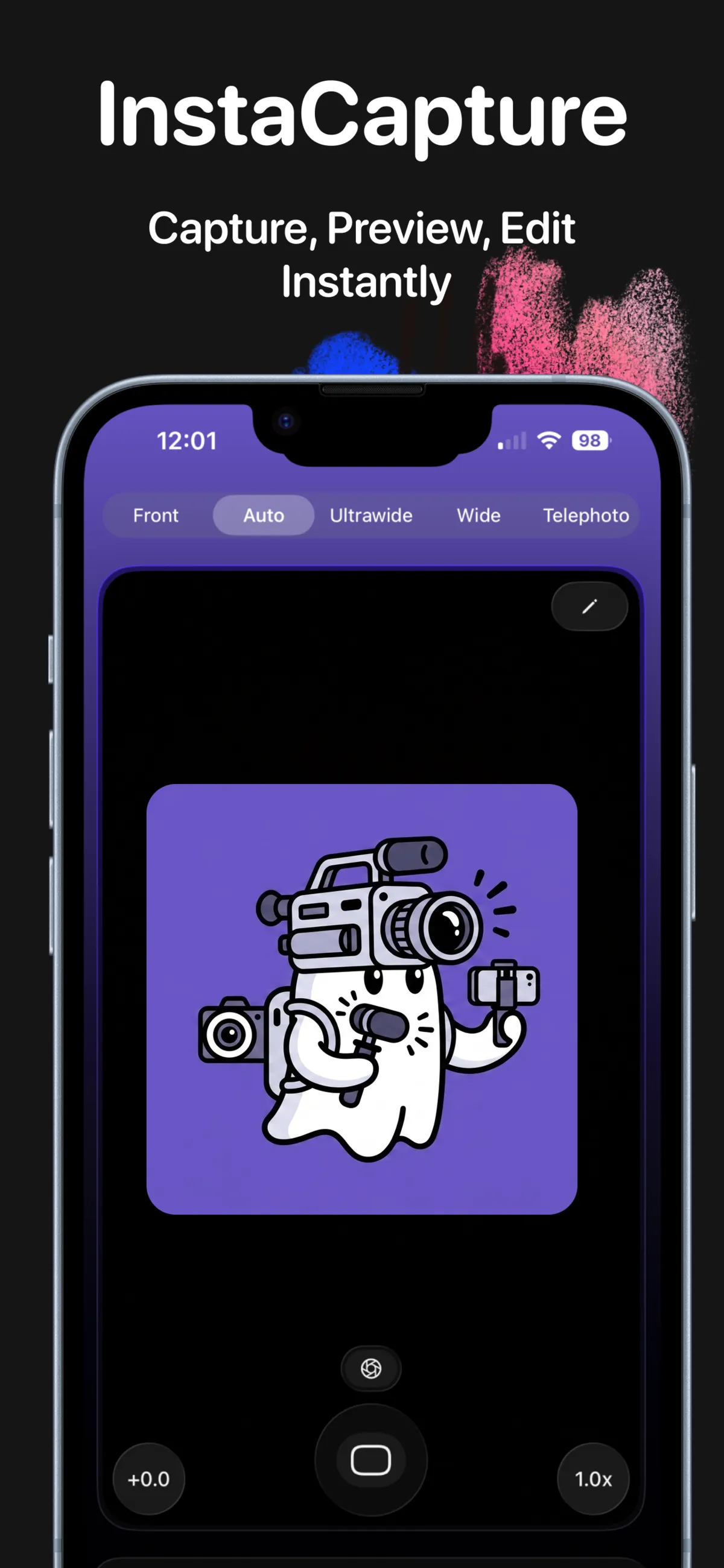
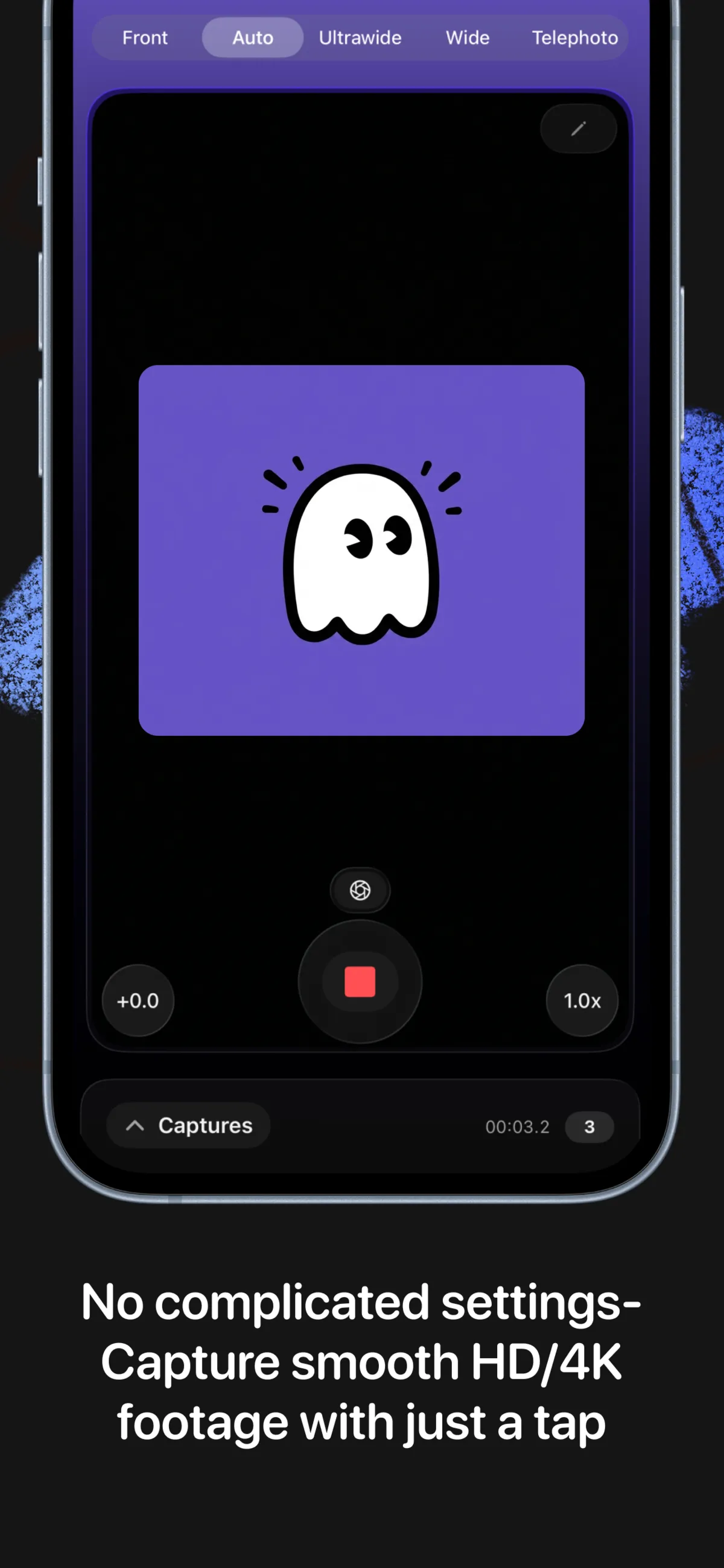
No settings to dig through. Hit record and capture smooth, cinema-quality footage instantly.
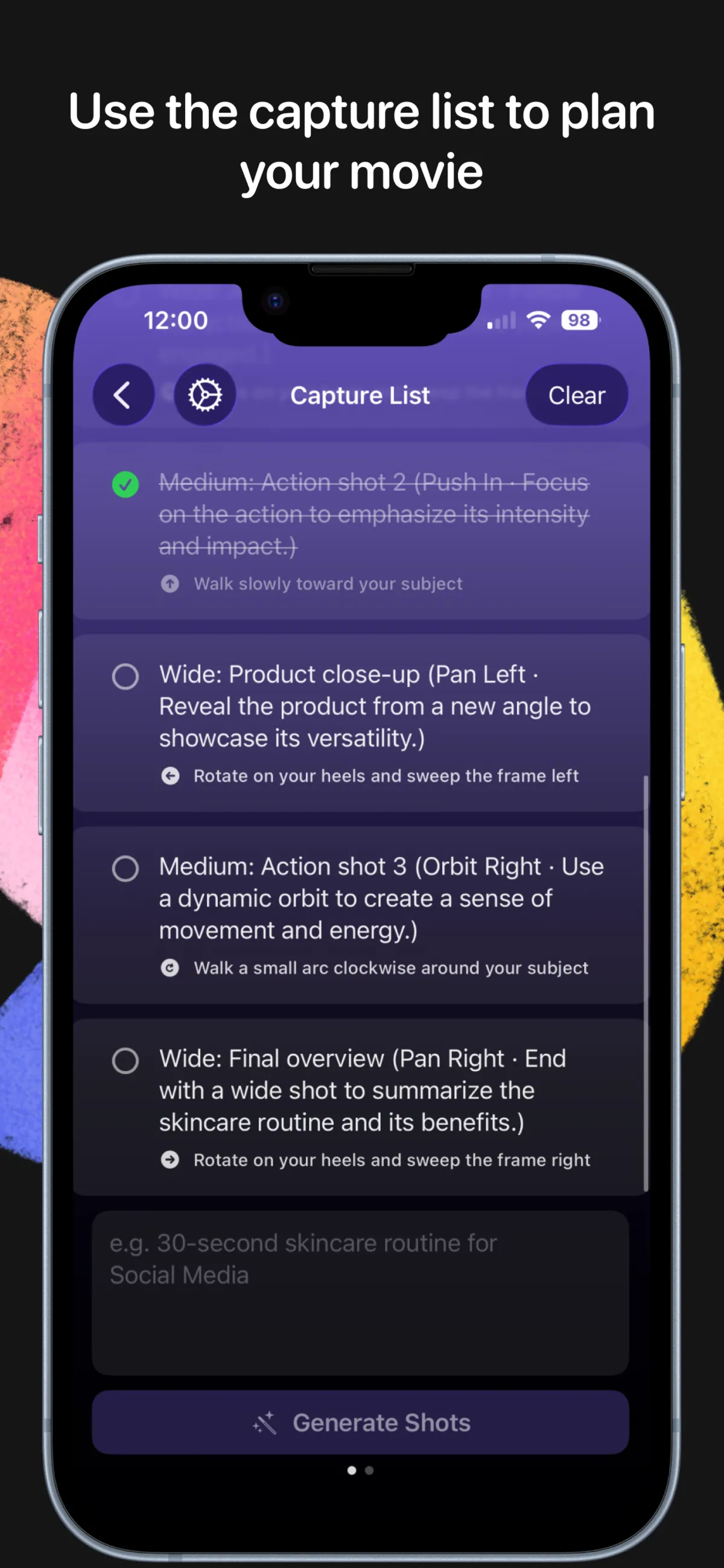
Describe your video — InstaCapture builds a professional shot list with camera movements and on-screen cues.
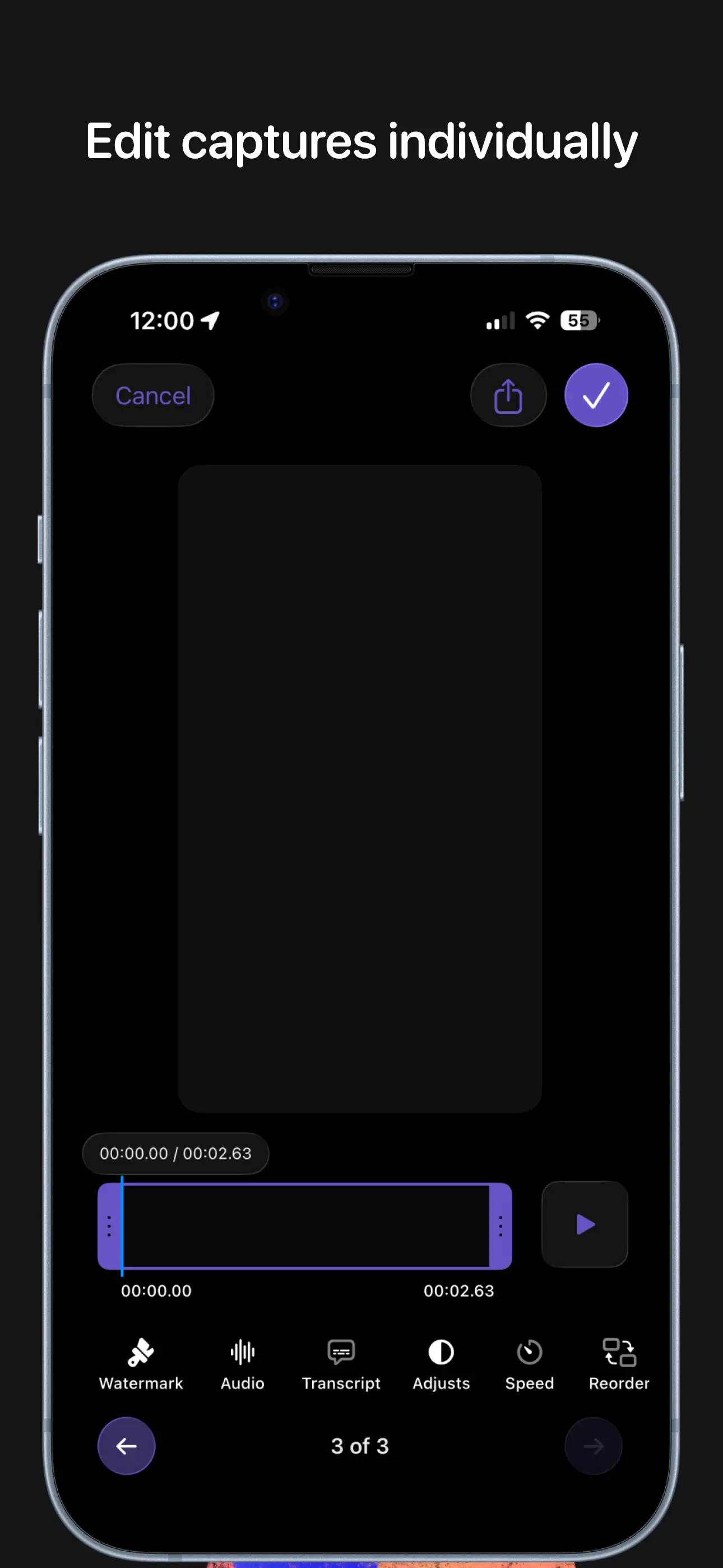
Trim, adjust color, change speed, and reorder each capture individually before stitching them together.
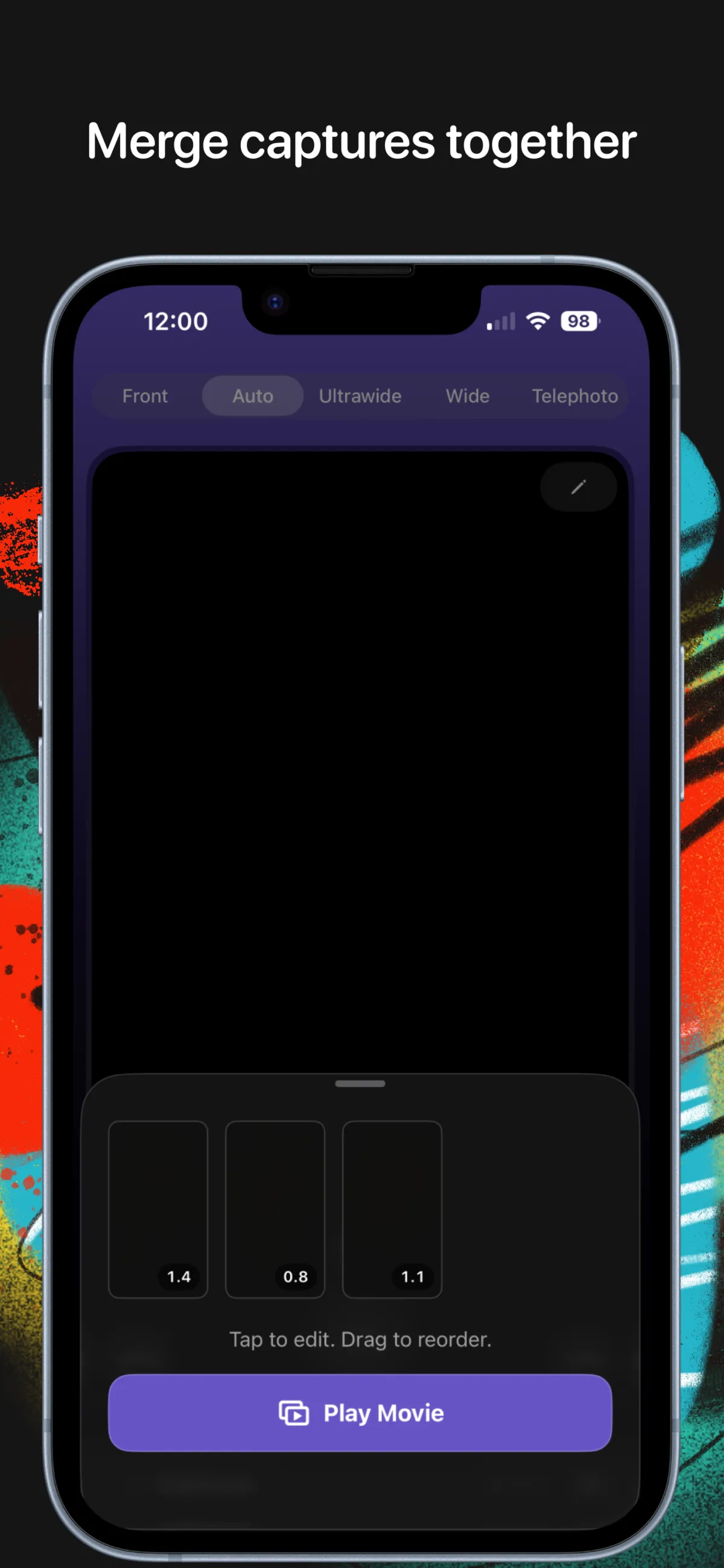
Drag clips into your preferred order, tap Play Movie, and watch your captures become a finished video.
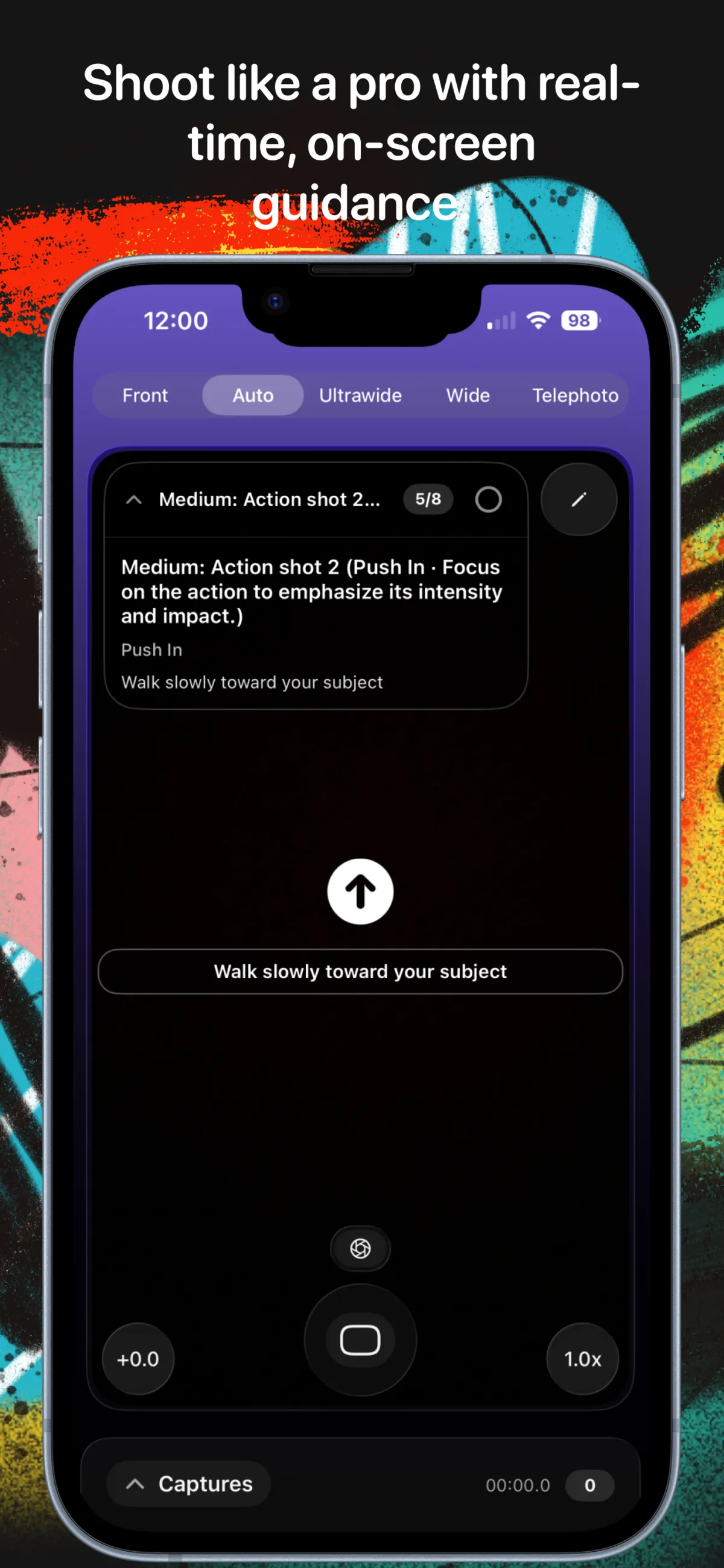
On-screen arrows and instructions walk you through every shot as you film, so every angle looks intentional.
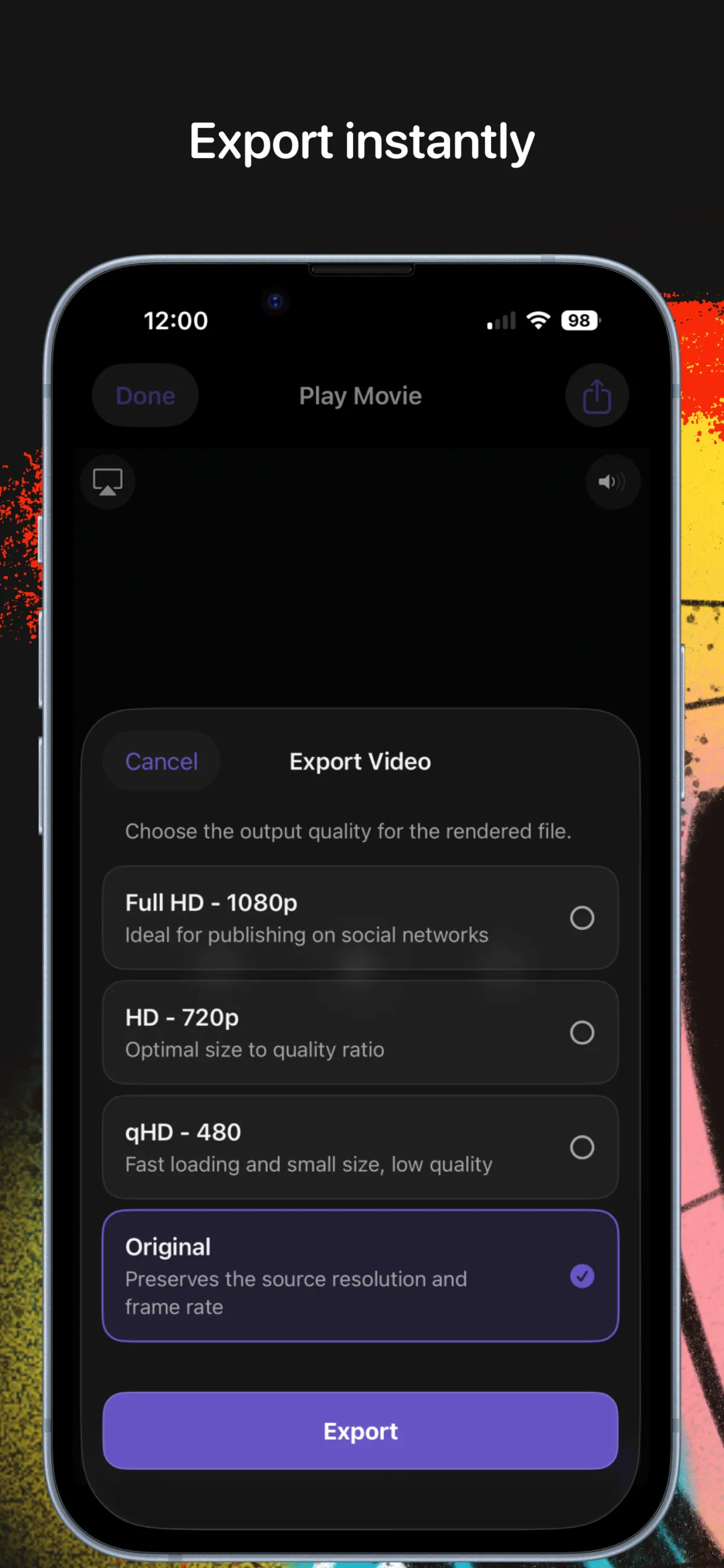
Choose 480p, 720p, 1080p, or original quality and export straight to your camera roll or share sheet.
Type a description of your video — a skincare routine, a product demo, a travel vlog — and InstaCapture returns a complete list of shots with framing, camera movements, and plain-English instructions for how to nail each one.
Check off shots as you go. The capture list keeps you organized so you never miss a beat.

While you're recording, InstaCapture shows the shot name, movement type, and a directional arrow right on the viewfinder. No more forgetting the plan mid-take.
The overlay collapses when you don't need it and expands when you do — staying out of the way until it matters.

Every capture gets its own timeline. Trim the in and out points, adjust exposure and contrast, or change playback speed. Then arrange all your clips, tap Play Movie, and see the whole thing come together.
Export at any resolution, instantly — no rendering queue, no waiting.

Choose your output quality — social-ready 1080p, compact 720p, or the original resolution and frame rate. Then share directly to Instagram, TikTok, or wherever you post.
Get InstaCapture →

Describe your video in a sentence. InstaCapture generates a professional shot list with framing, movement, and technique notes — ready to follow immediately.
Follow the real-time cues as you record. Each clip is saved as a separate capture so you can trim, reorder, or reshoot individual shots without touching the others.
Adjust each clip, drag them into order, tap Play Movie, and export at your chosen quality. It all happens on your phone, in real time, with no desktop software needed.

Free to download. HD and 4K capture, AI shot planning, built-in editor — all in one app.